
Go to Settings → General.
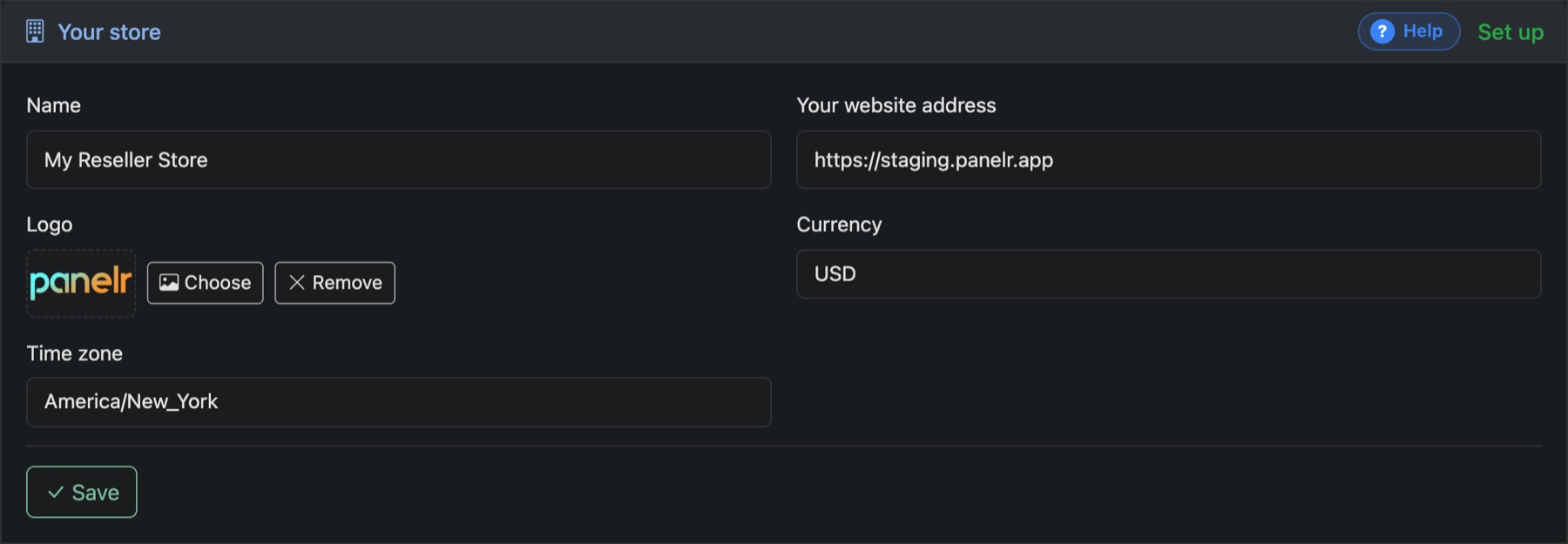
- Name and Logo: shown on your site, in emails and in the bots.
- Your website address: the address customers use.
- Currency: one currency for the whole store.
- Time zone: how dates are shown to you and your customers.
Press Save. On the same page:
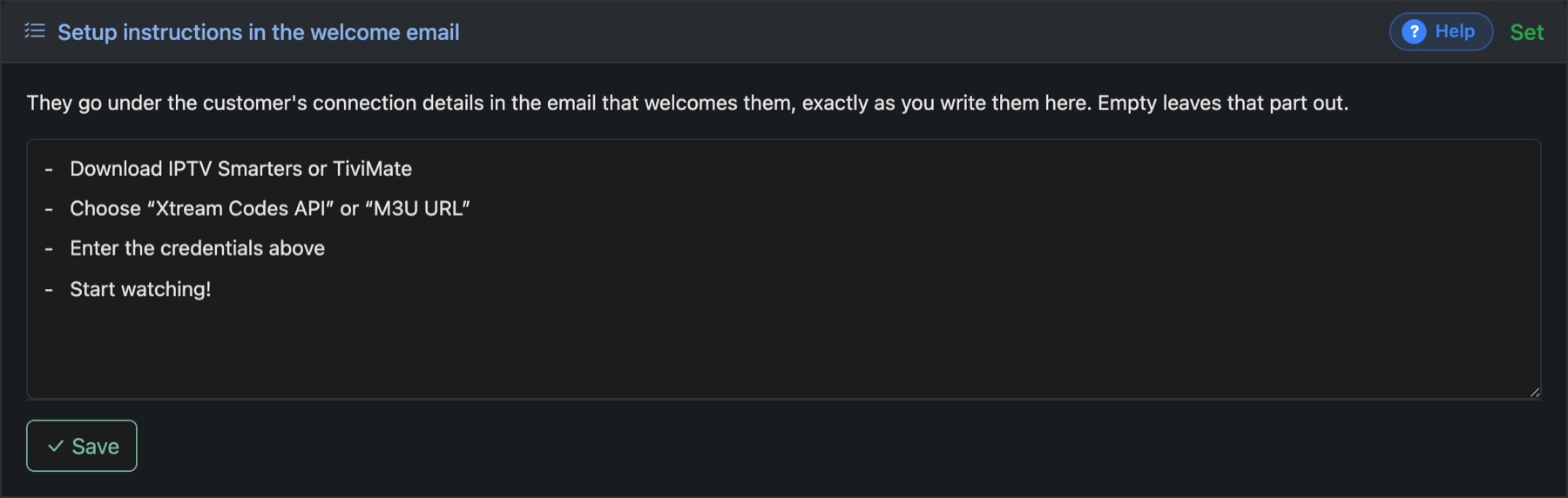
- Setup instructions in the welcome email: what customers read under their connection details. Write it exactly as they should see it.
- Social links: shown in the footer of your site and your emails. Leave any you don't use empty.