
Before customers arrive, buy a plan yourself. The line is real and uses panel credits, so pick a cheap plan and remove it afterwards.
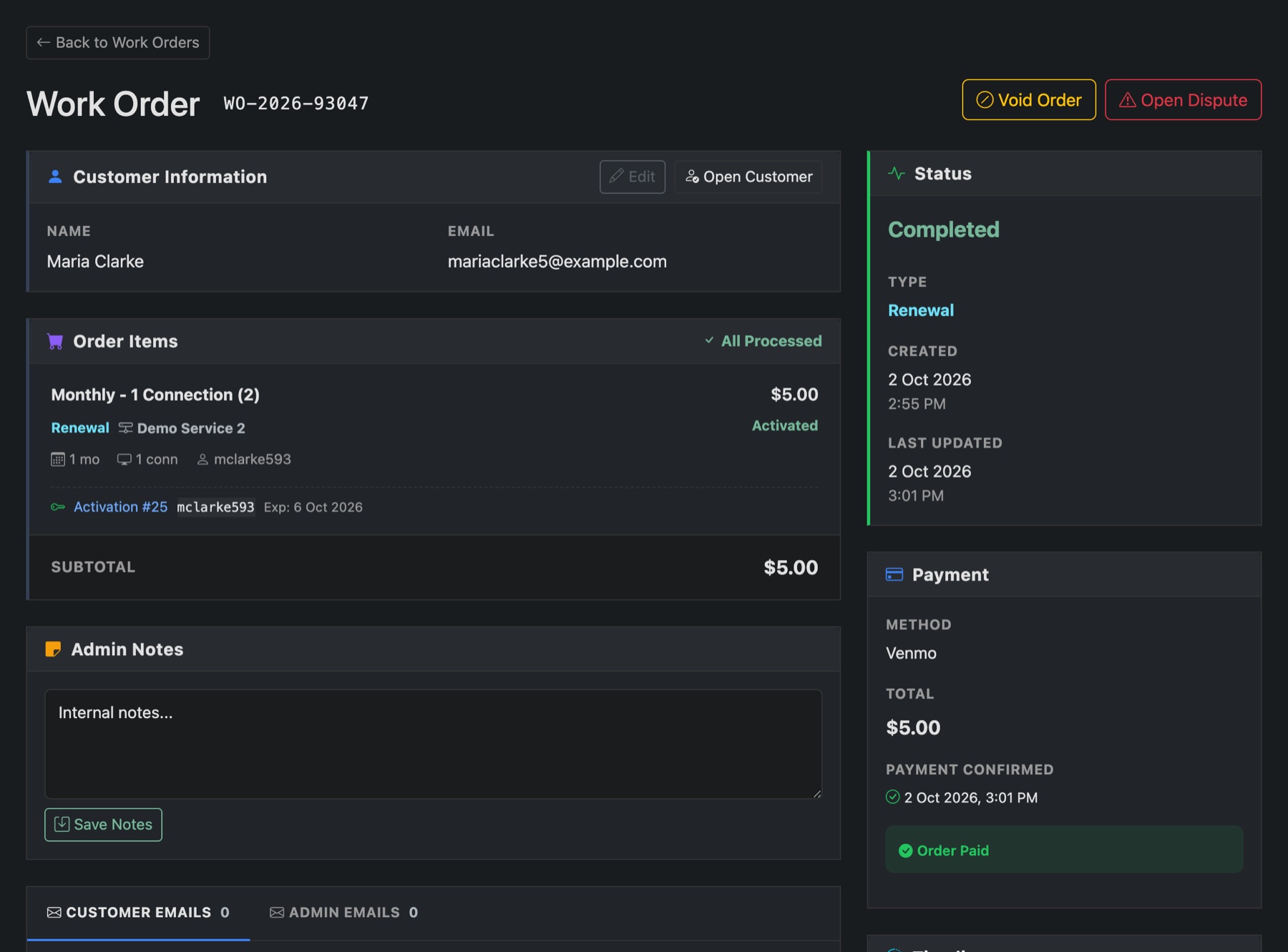
- Open your site in a private browser window, so you see it as a visitor.
- Buy a plan with an email address you can read.
- Pay. For a card test, put Stripe or Revolut in sandbox mode under Settings → Payments first. Or use a manual method and confirm it yourself: see Confirm a manual payment.
- Check the order shows Completed under Orders, the line is under Lines and on your panel, and the email arrived.
If something didn't happen
- Paid but nothing happened: the scheduled tasks aren't running. See Install Panelr.
- No email: check Settings → Email.
- The order says setup failed: it names what the panel refused, such as credits or the API key. Fix it and press Activate on the item.
- Logs shows what happened, step by step.
Switch any sandbox payment method back to live before you open up.