
The Logs page records what happened in your store: what admins changed, what Panelr did on its own, and anything that went wrong. Look here first when a line didn't activate or a setting changed and nobody remembers doing it. Only super admins can open it.
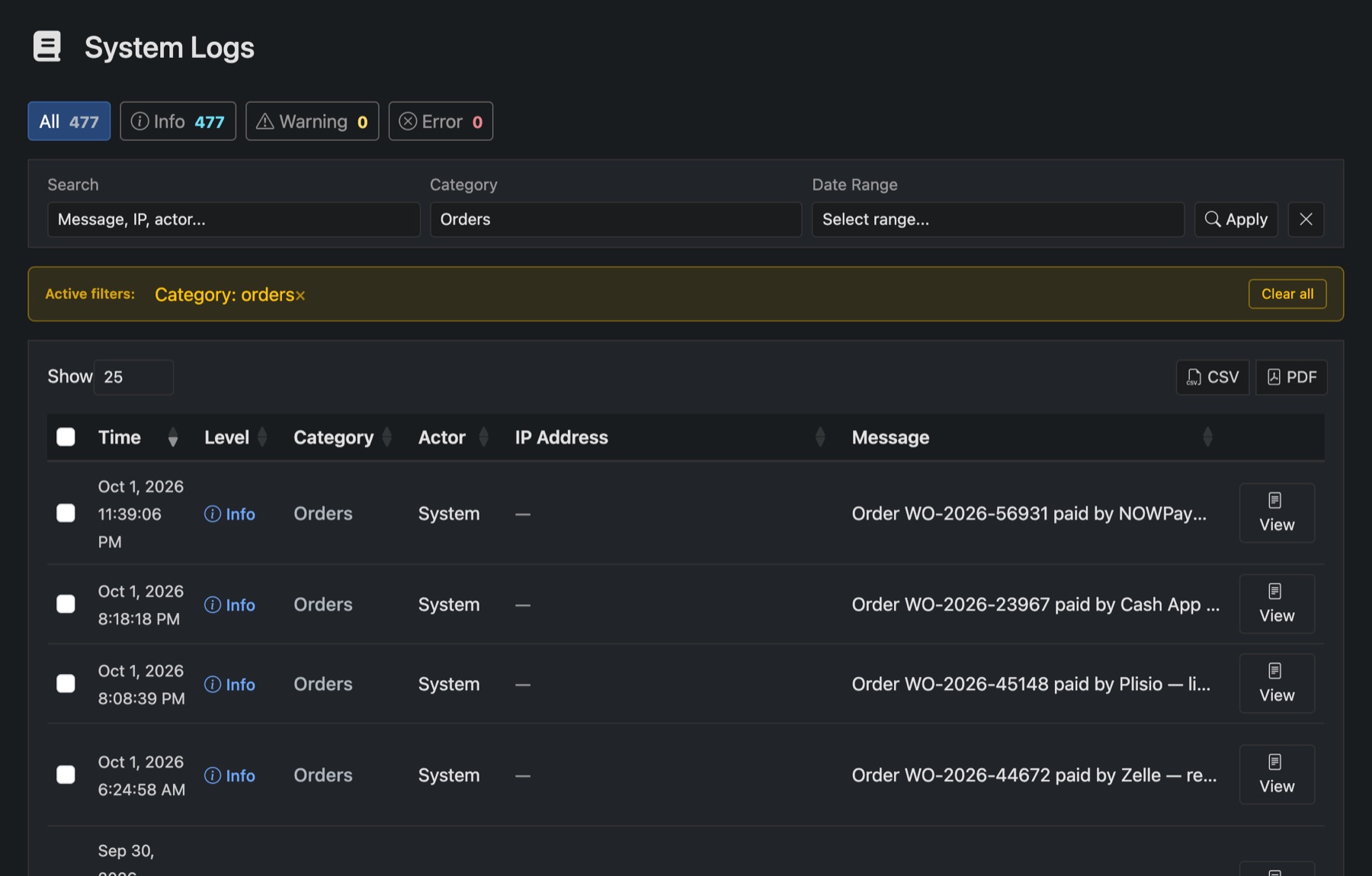
Find an entry
- The buttons at the top show Info, Warning or Error. When something's broken, start with Error.
- Search looks in the message. A customer's email or a line's username usually finds it.
- Narrow it down by Category and Date Range, then press Apply.
- View opens the full entry, including what a panel or payment provider answered. Copy it into a support ticket when you ask for help.
Panelr also writes log files in the logs folder of your install. That's where background jobs and PHP errors go. If the admin won't load at all, look there.