Edit a Bouquet
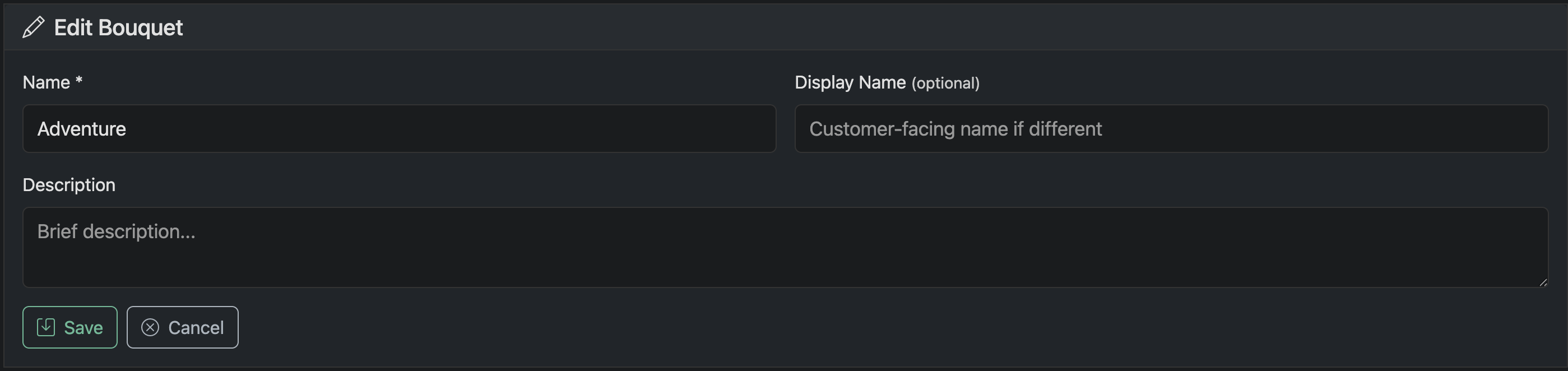
Use the edit screen to control how a bouquet appears and is presented to customers.
Name
Internal name of the bouquet (typically synced from your panel or editor)
Display Name (optional)
Customer-facing name if you want to override the default
Description
Optional description for internal or customer context
Editing a bouquet does not modify the underlying panel or editor configuration—it only updates how the bouquet is displayed and used within Panelr.