Manual bouquets are used when no panel or editor is connected. In this mode, you define simple content groupings directly in Panelr for use during activations and work orders.
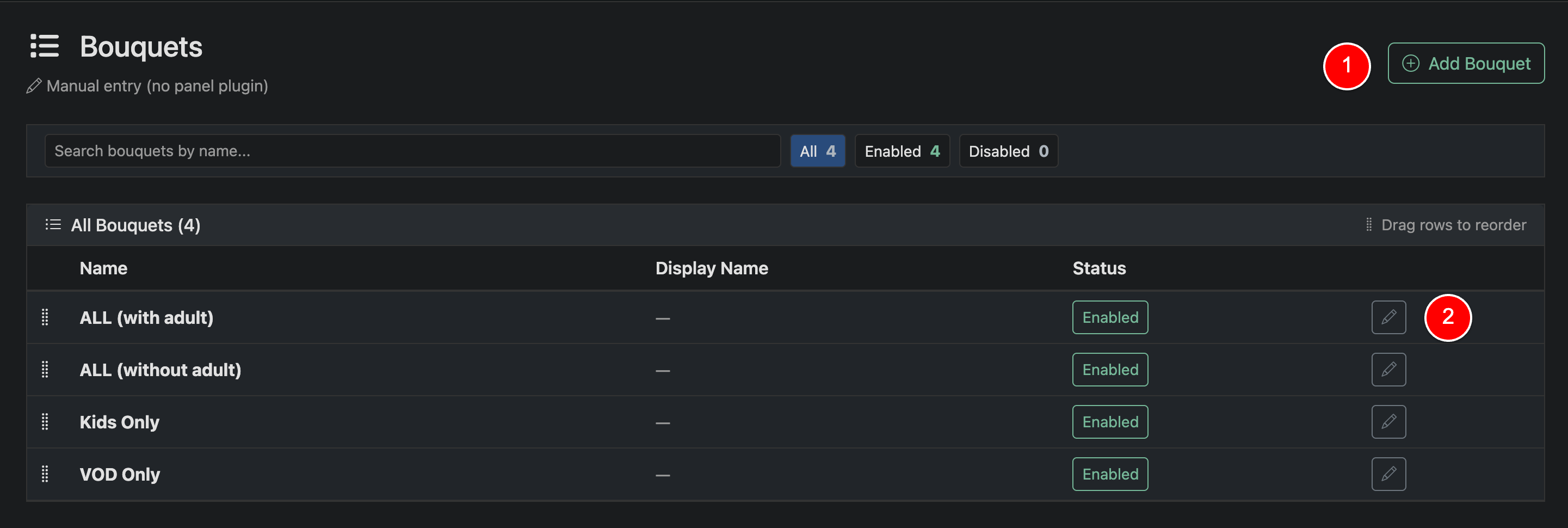
To create a bouquet, click Add Bouquet, enter a name, and save. You can also edit existing bouquets at any time.
Bouquets can be enabled or disabled using the status toggle. Only enabled bouquets will be available for selection when assigning content to a line.
Use drag-and-drop to reorder bouquets. This controls how they appear in the interface.
Manual bouquets are lightweight and flexible, but do not sync with any external system. They are best used for basic setups or testing environments.