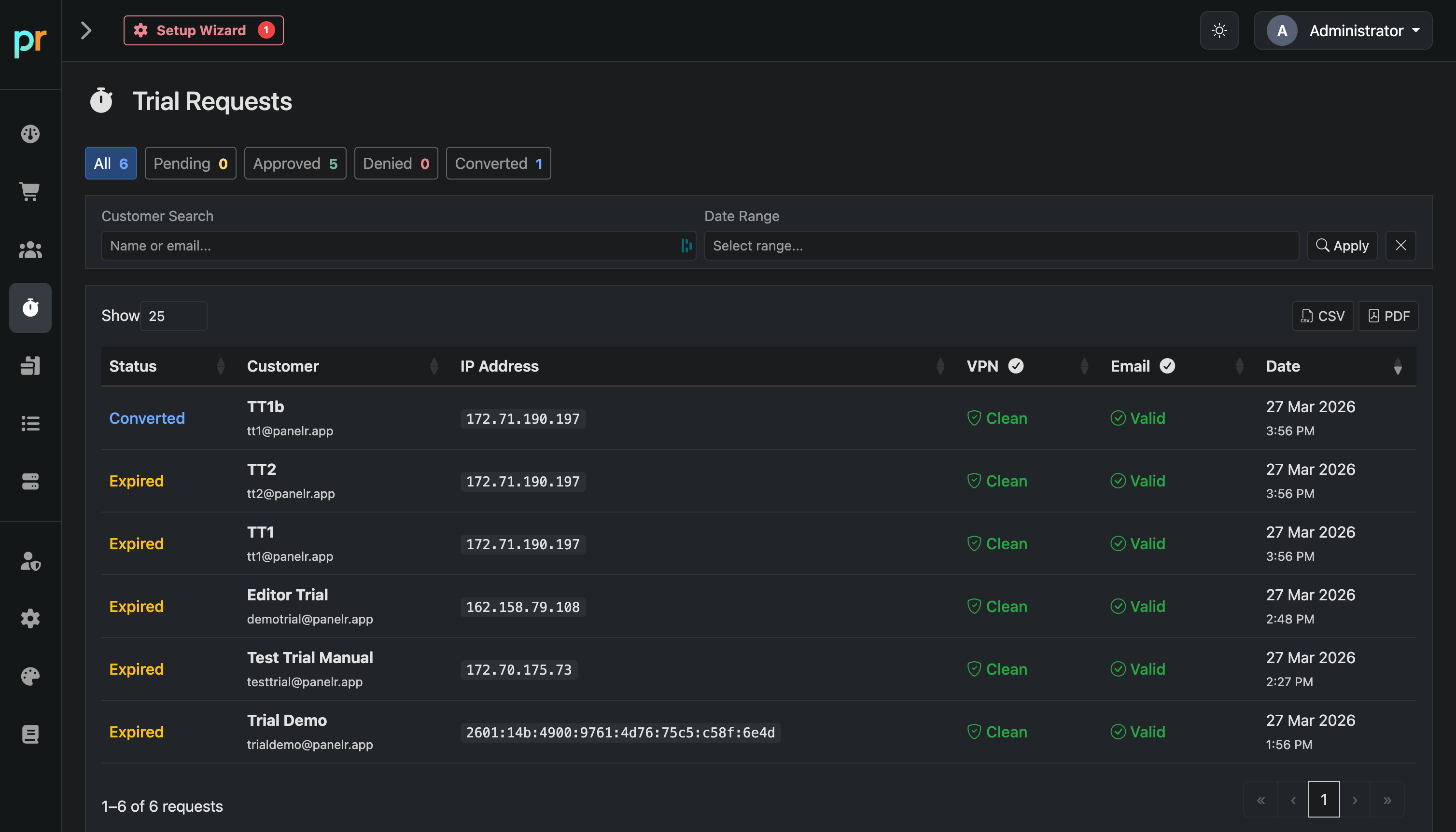
The Trial Requests page is your central archive of all trial activity in Panelr. It includes every request submitted through your website or bots, along with status and security results.
Use this page to monitor trial volume, review request quality, and track conversions.
Overview
At the top, you’ll see summary counts for:
All
Pending
Approved
Denied
Converted
These provide a quick snapshot of trial performance and outcomes.
Filtering and Search
Customer Search
Search by name or email.
Date Range
Filter by when the trial was submitted.
Click Apply to update results.
Table Columns
Status
Current state of the trial (Pending, Approved, Expired, Converted).