Delete/Archive Line
Canceling a Line
Archiving or Deleting a Line
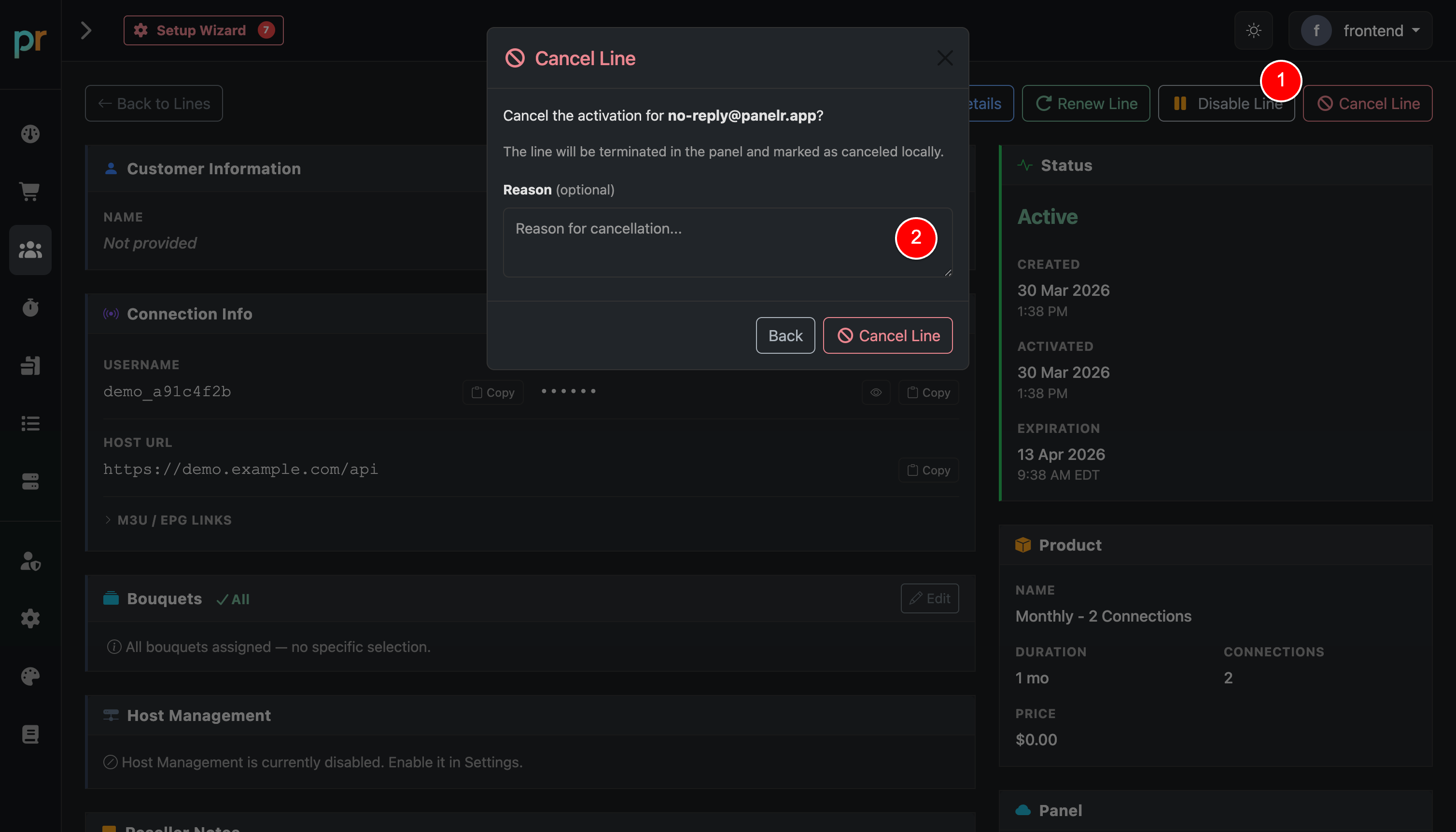
To cancel a line, click the “Cancel Line” button in the top toolbar.
A confirmation modal will appear where you can enter an optional cancellation reason.
What happens next depends on your panel and editor setup:
- If your panel supports terminations, the line will be terminated automatically at the panel.
- If your panel does not support terminations, you will be prompted to confirm manual termination.
- If an editor is connected, the associated editor account will also be removed.
Archiving vs Deleting
If the line is linked to a work order, it will be archived instead of deleted.
Archived lines:
- Remain accessible for record keeping
- Do not count toward your installation’s total line limit
If the line is not linked to a work order, it will be permanently deleted.