
Panelr can run a Telegram bot, a Discord bot, or both. Customers use them to buy, renew and get help without opening your website. Leave them off if you don't sell in chat.
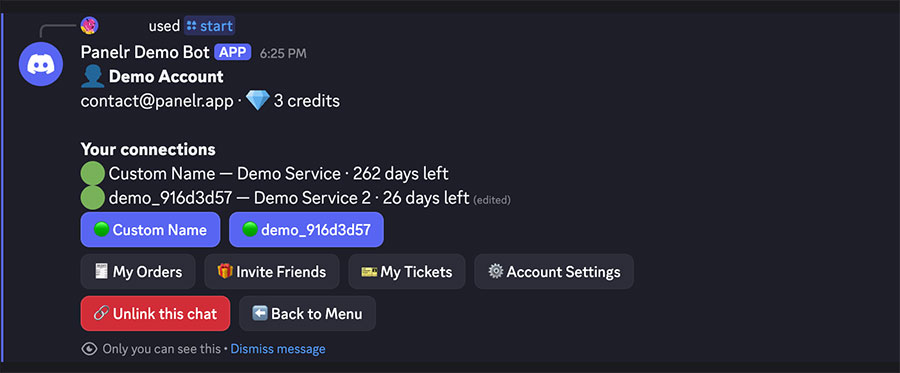
What customers can do
- Start a trial, buy a plan or renew a line, and pay with credits or a link to your checkout.
- Sign in to see their connections, time left, login details and setup steps.
- Rename a connection, change its channels, see their orders and their invite code.
- Open a support ticket and read your replies.
The bots follow your store. Whatever you switch off for the website, like trials or support, is off in the chat too.
Who can use them
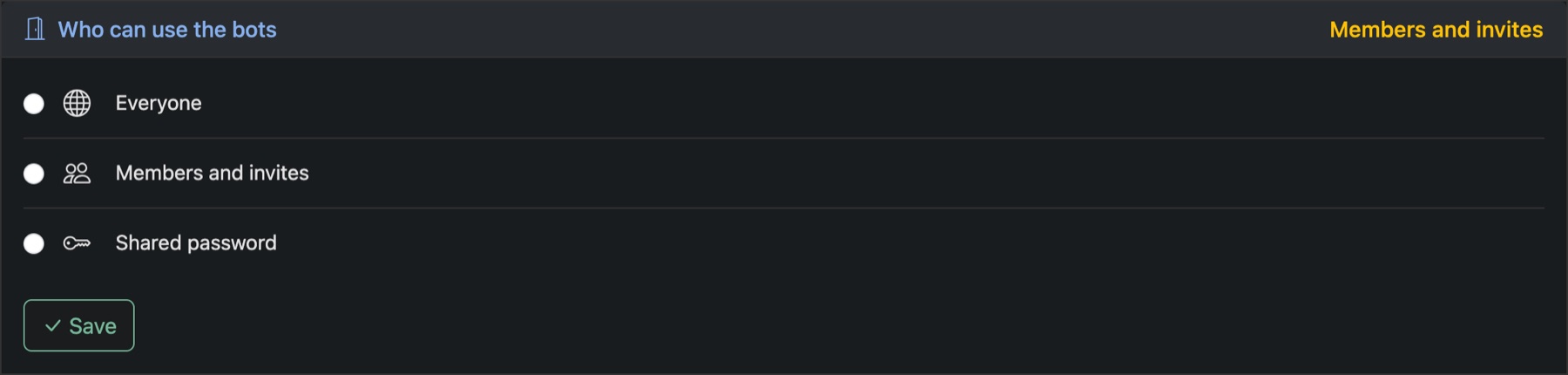
Under Settings → Bots → Access, choose Everyone, Members and invites or Shared password. The same page sets the first message people see, and a welcome post for your Discord channel.
Messages reach them in chat
Once a customer links their chat to their account, your support replies, order updates and messages can reach them there instead of by email. They choose under Reach me on.