
Screening stops people taking one trial after another. The rules are on Settings → Trials and apply to every service, on your site, in the bots and through the API.
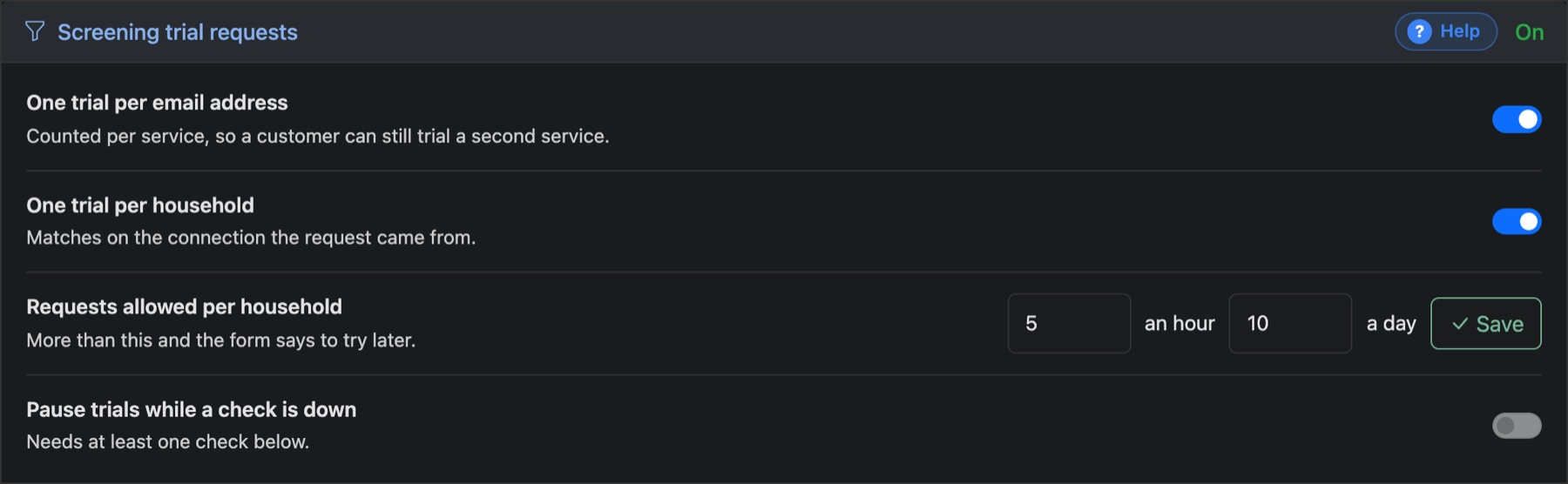
The rules
- One trial per email address: counted per service, so a customer can still try a second service.
- One trial per household: matches on the connection the request came from.
- Requests allowed per household: how many requests in an hour and in a day before the form says to try later.
- Pause trials while a check is down: stops trials if one of the outside checks below stops answering.
Outside checks
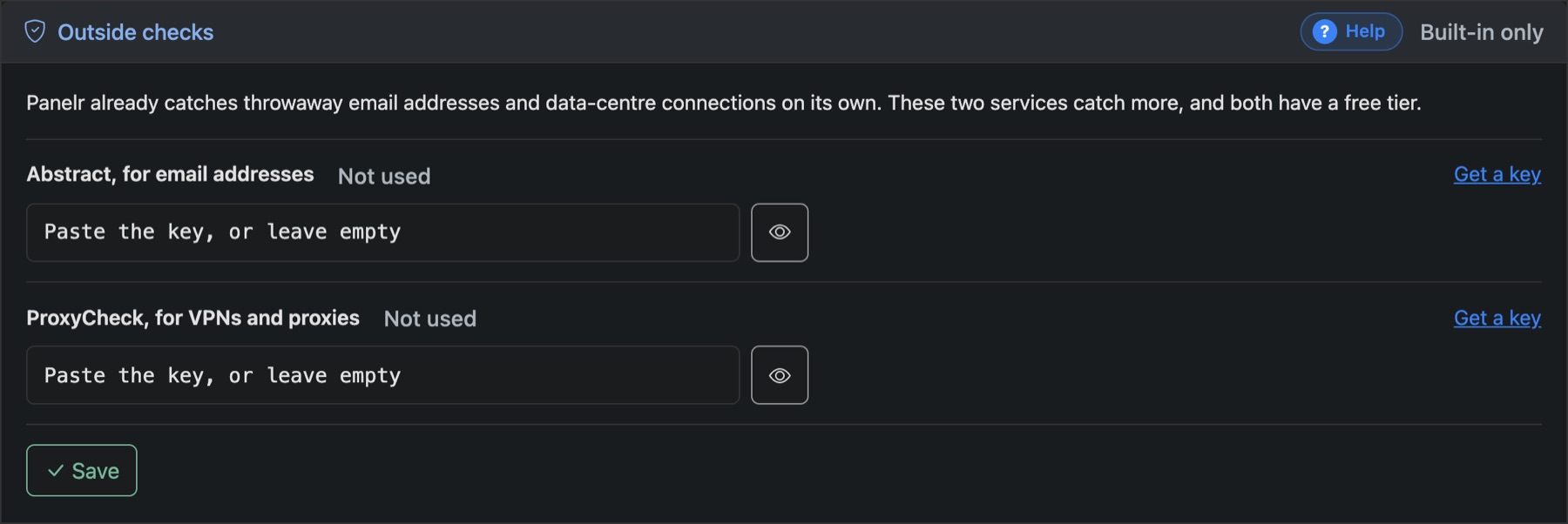
Panelr already catches throwaway email addresses and data-centre connections by itself. Two outside services catch more. Add a key for either, or both:
- Abstract checks email addresses.
- ProxyCheck checks for VPNs and proxies.