
A backup is one encrypted file holding your whole store. Make one before any big change, and regularly in between. Panelr doesn't make them on a schedule, and doesn't keep a copy on the server. Everything is under Settings → Backup & Updates → Backup.
Make a backup
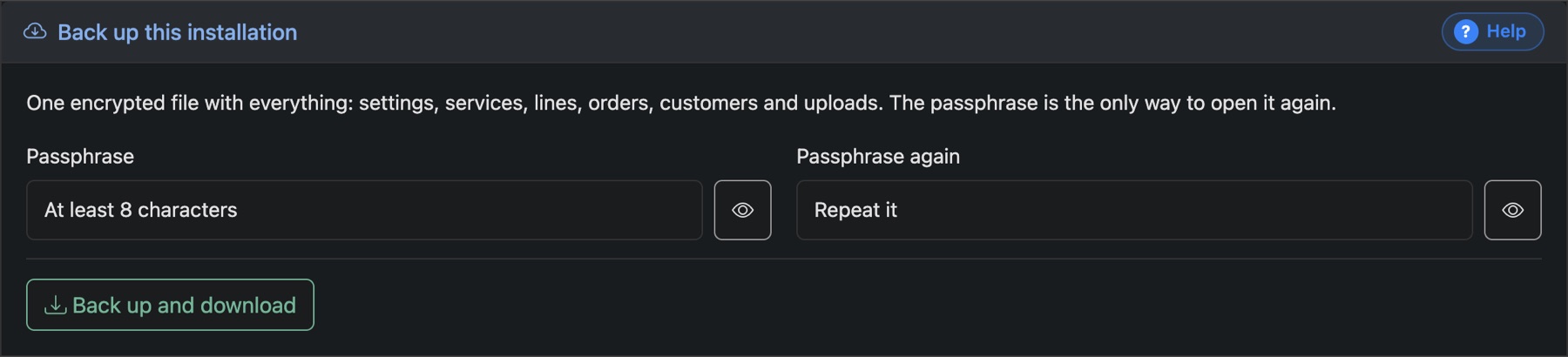
- Type a passphrase, then type it again.
- Press Back up and download. Your browser saves the file.
- Keep the file off the server, and the passphrase somewhere separate. Without the passphrase, nobody can open the file.
It holds your settings, site pages, services, plans, bouquets, customers, lines, orders, trials, credits, coupons, tickets, News and uploaded images. Admin logins, logs, the licence and the site address belong to the server and aren't included.
Restore a backup
Restoring replaces everything on this installation with what's in the file. Anything added since the backup was made is gone, and there's no undo. If you're not sure, make a fresh backup first.
- In Restore this installation, press Open.
- Choose the backup file, type its passphrase, and tick the box to confirm.
- Press Replace everything with this backup.
To bring another store's data in next to this one instead, see Combine several Panelr installs.