
Lines you bring in from a panel or a CSV file have no customer account yet. Their owners can't sign in to your site until they do. Customers → Find Lines lists them.
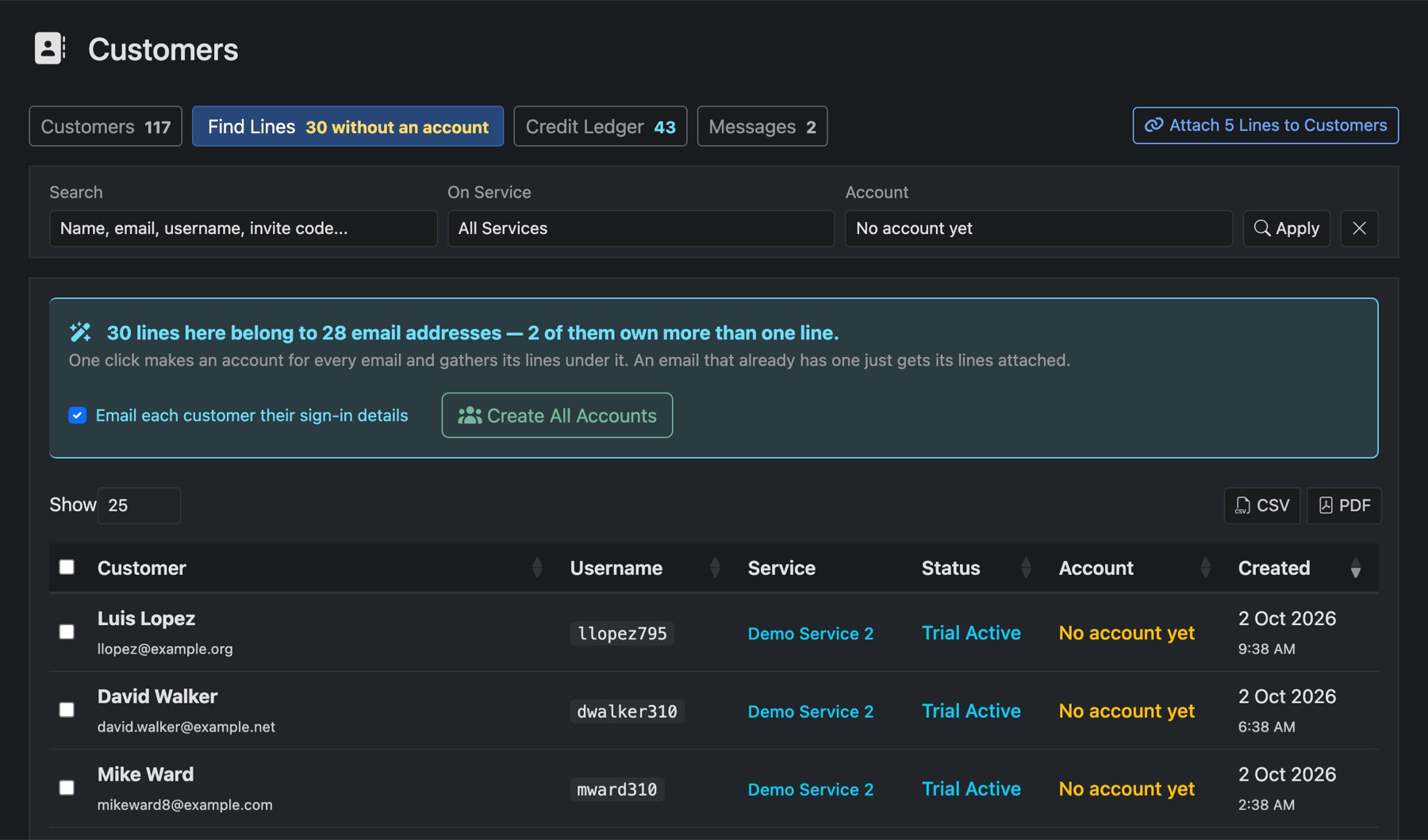
Everyone at once
- Open Customers → Find Lines.
- Tick Email each customer their sign-in details if you want them told. Leave it off and they can set a password with the forgotten-password link instead.
- Press Create All Accounts.
Each email address gets one account holding all its lines. An email that already has an account just gets its lines attached.
A few at a time
Tick the lines you want, then use Create New Account or Attach to Existing Customer.