
You can make an order for a customer yourself. Use it when someone pays you directly or asks you to set them up.
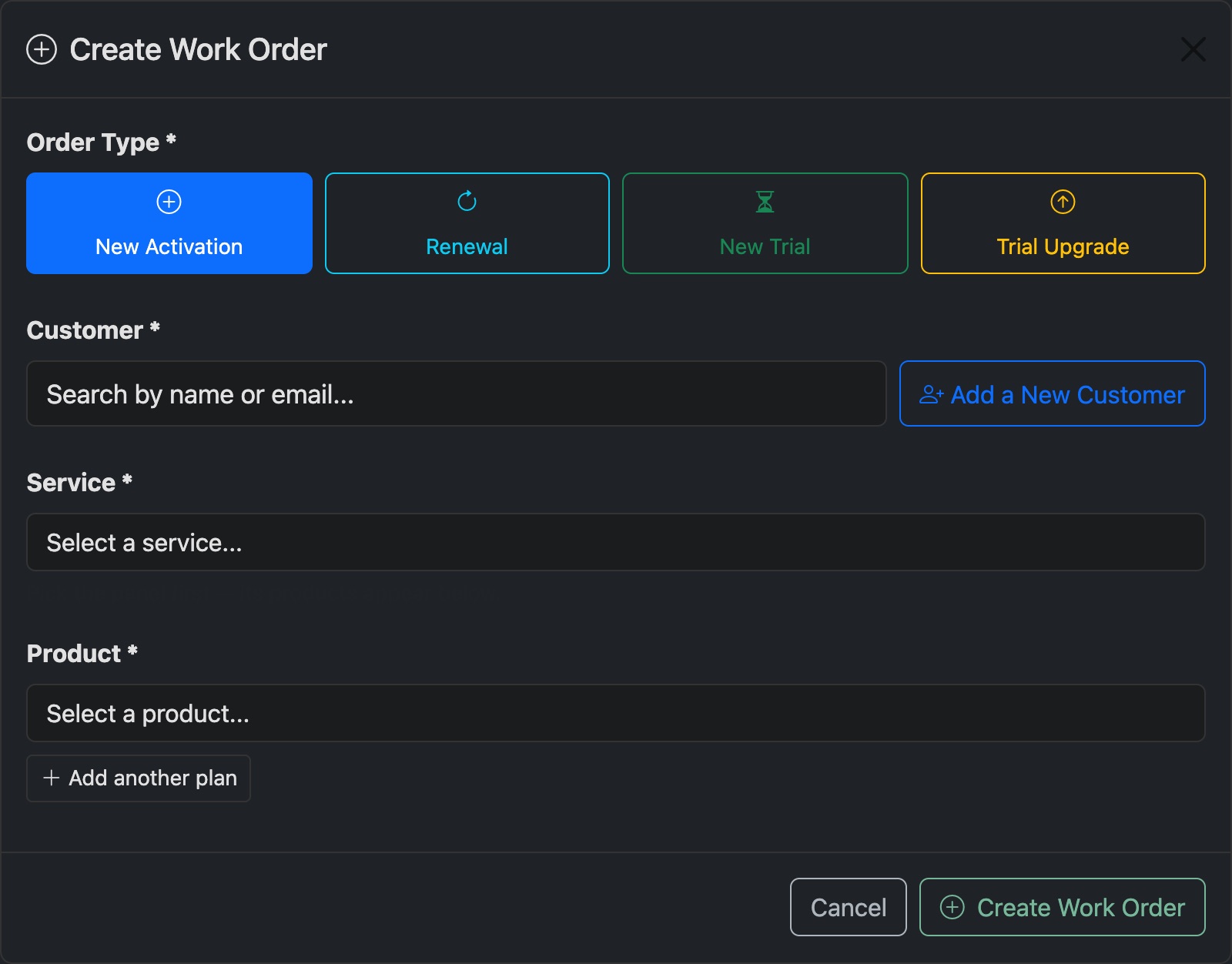
- Go to Orders and press New Order. Or press New Order on the customer's page.
- Choose the Order Type: New Activation, Renewal, New Trial or Trial Upgrade.
- Pick the customer, or Add a New Customer.
- Pick the Service, then the Product. Add another plan puts more than one in the same order.
- Press Create Work Order.
The order opens. From there, send a payment request, or confirm the payment and activate it. See Confirm a manual payment.