
Trials in the admin menu lists every trial request.
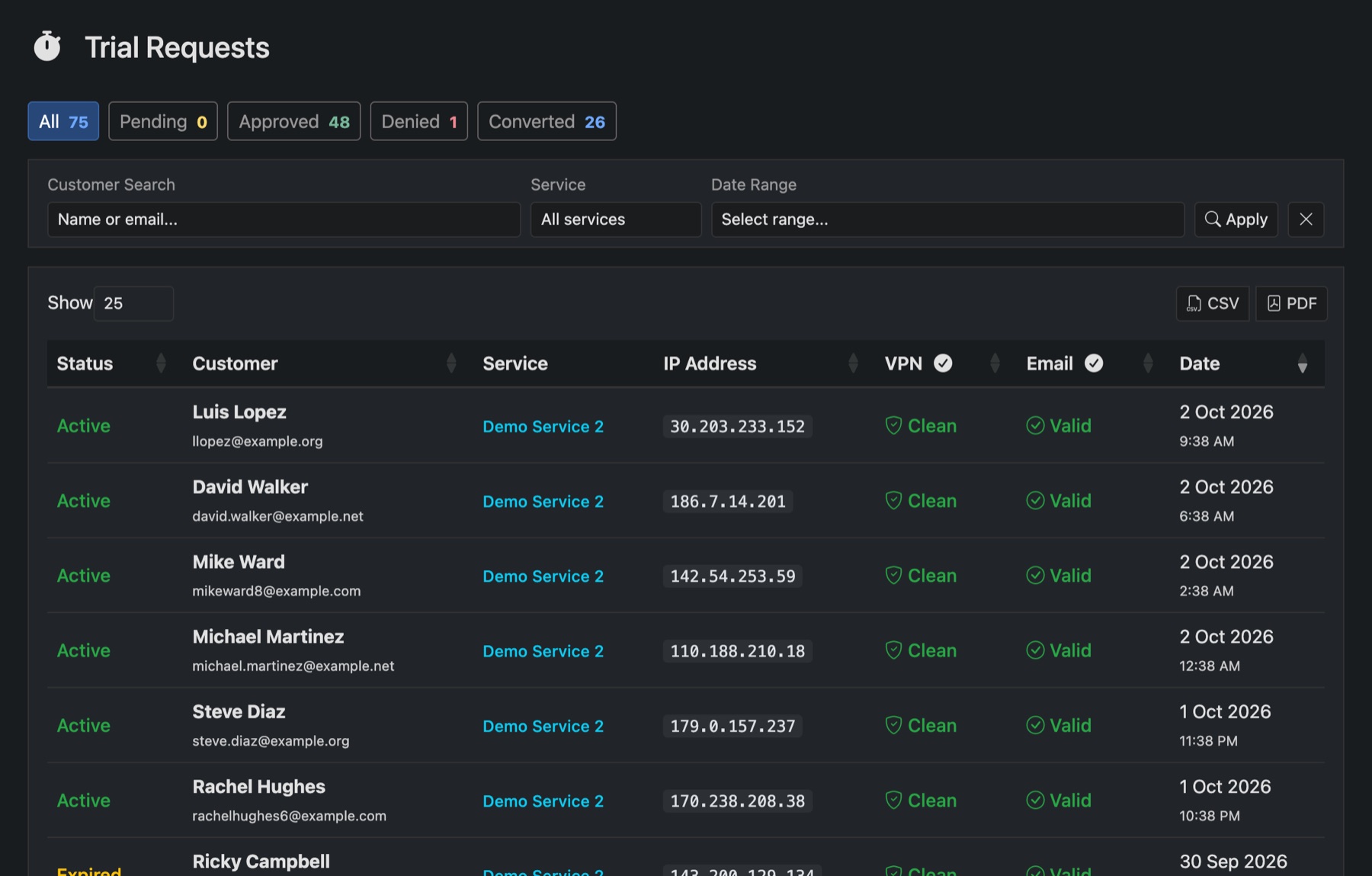
- Approved: the trial line was made. It shows as Active while it runs, then Expired.
- Denied: turned away by screening. The VPN and Email columns show why.
- Converted: the customer went on to buy.
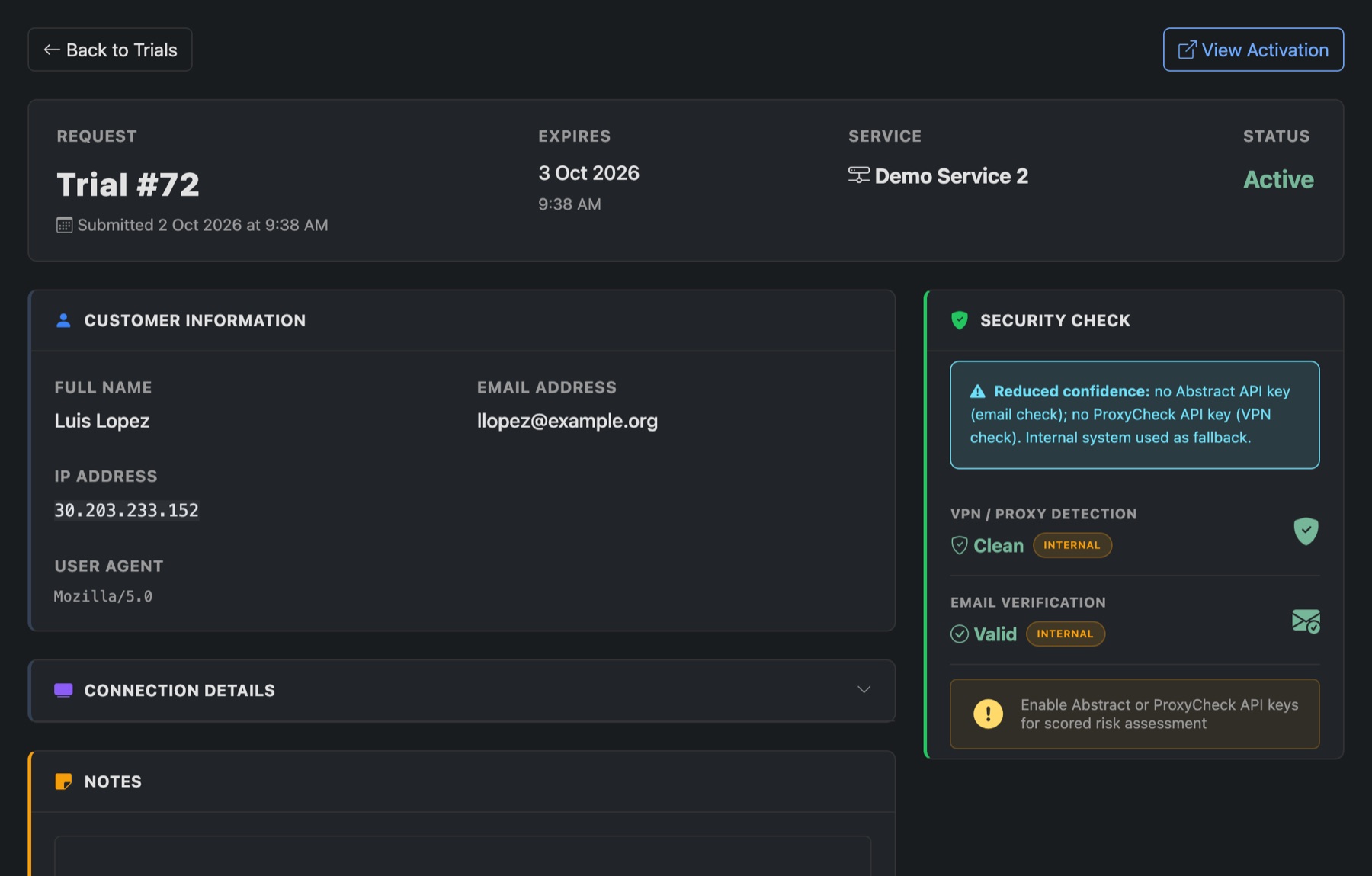
Open a request to see the checks it went through and the trial line it made. View Activation opens the line.
The dashboard's Trials card shows your conversion rate: how many trials became paying customers.