
Your Panelr site can be open to everyone, kept for members, or switched off. Your Telegram and Discord bots follow the same choice. All of this is on Settings → Website.
Who can see the site
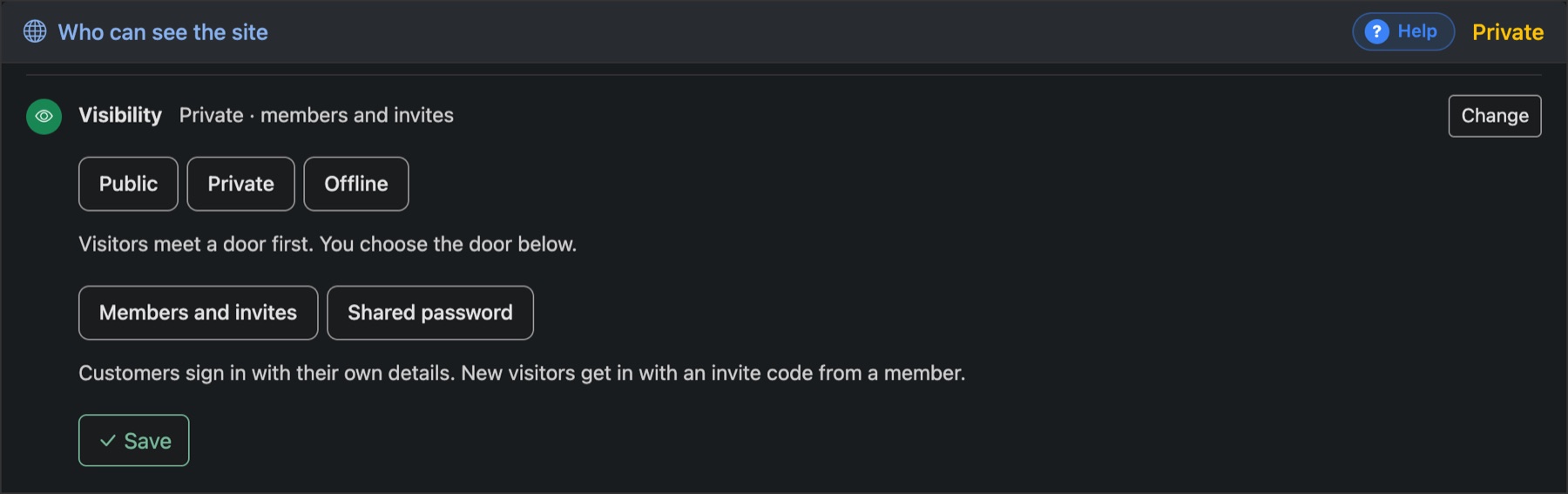
- Public: anyone can browse and buy.
- Private: visitors meet a door first. Choose Members and invites, where customers sign in and newcomers need an invite code from a member, or Shared password, one password you hand out.
- Offline: the site is closed.
Press Change, pick one, and press Save.
What visitors can do

- Buy plans and start trials: off, those visitors go to the member area instead.
- Member area: where customers sign in, see their connections and renew.
- Apps page and News page: nobody, signed-in members, or everyone.
The other cards
- Invites and rewards: every customer gets an invite code, and earns credits when someone they invited buys. See Credits and invites.
- Live chat: paste your tawk.to key for a chat bubble on every page.
- Connected store: hand the customer side to a WooCommerce store or your own site. See Sell from WordPress.