
Support is set up on Settings → Support. If you don't offer support through Panelr, switch it off there and the Support buttons disappear for customers.
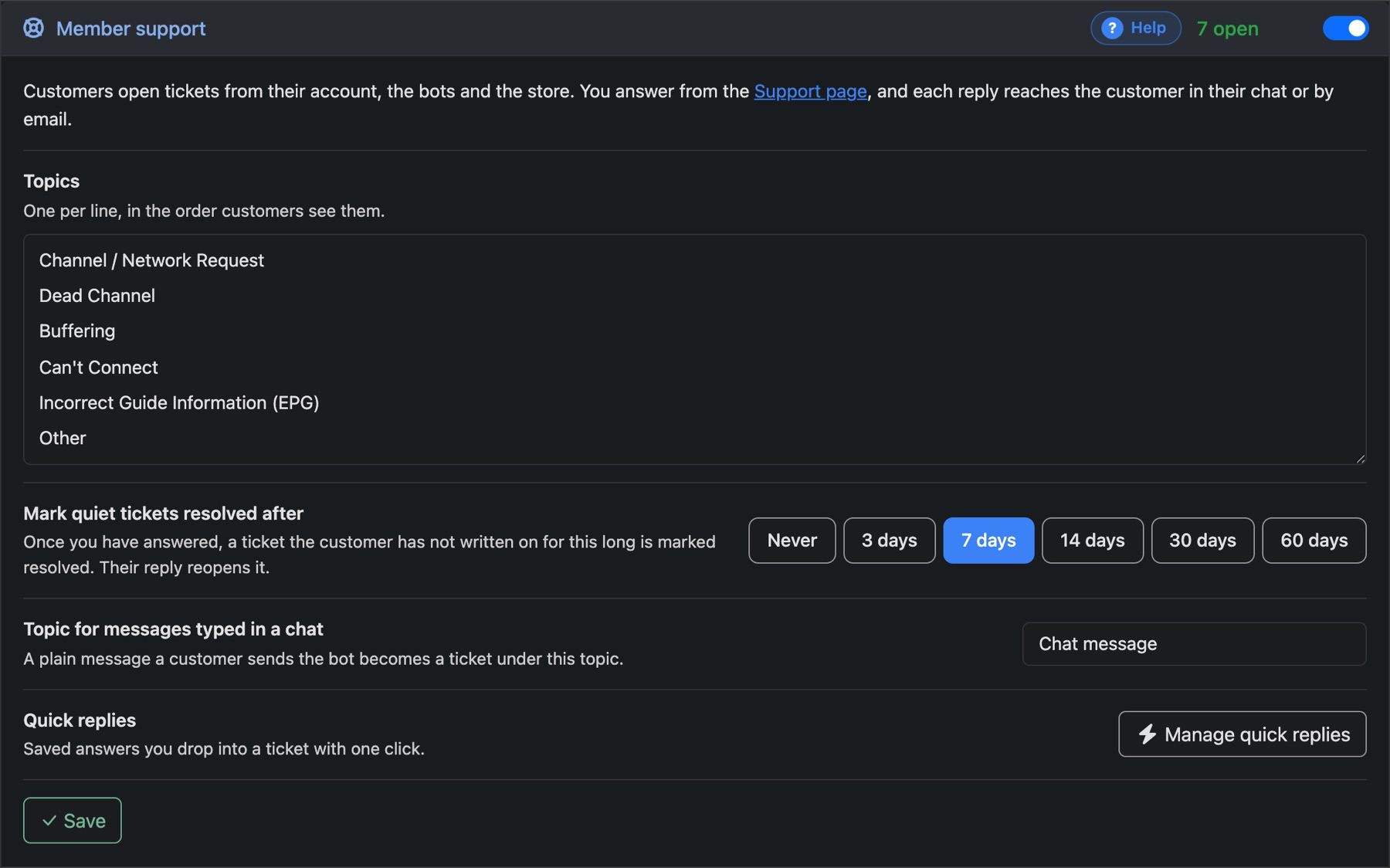
- Topics: one per line, in the order customers see them.
- Mark quiet tickets resolved after: once you've answered, a ticket the customer doesn't come back to is marked resolved after this long. Their reply reopens it.
- Topic for messages typed in a chat: a plain message someone sends your bot becomes a ticket under this topic.
Quick replies
Save the answers you give every week. They appear as buttons on every ticket, and in your staff chat if you use one. Clicking one drops the text in, ready to edit before sending.
- On the Support page, press Quick Replies.
- Under New Quick Reply, give it a Button Name and the Message.
- Press Save Quick Reply.