
Sometimes a line is on the wrong customer, or someone hands their subscription to a family member. You can move it, or unlink it so it belongs to nobody.
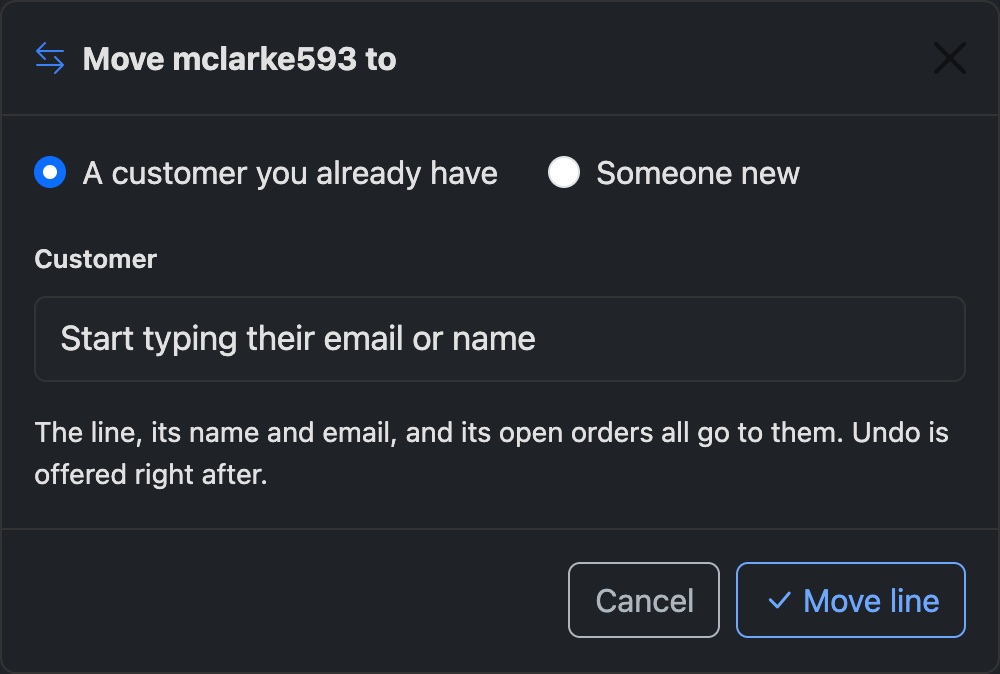
Move a line
- On the line's page, press Move to another customer. Or press Move under the line on a customer's page.
- Choose A customer you already have and type their email, or choose Someone new.
- Press Move line.
The line, its name and email, and its open orders go to the new customer. The username and password stay the same, so it keeps playing on whatever device it's on.
Unlink a line
Unlink takes the line off its customer. It then shows under Customers → Find Lines as a line with no account.
Undo
Right after a move or unlink, a bar offers Undo. It puts everything back as it was.