
If you run more than one Panelr, for example one per panel, you can bring them together. Each one lands on one of the services here, next to what's already there. Nothing here is replaced.
Before you start
- Here, connect each panel as its own service and let it sync. See Connect a panel.
- On each old installation, make a backup with a passphrase. See Back up and restore.
Move one in
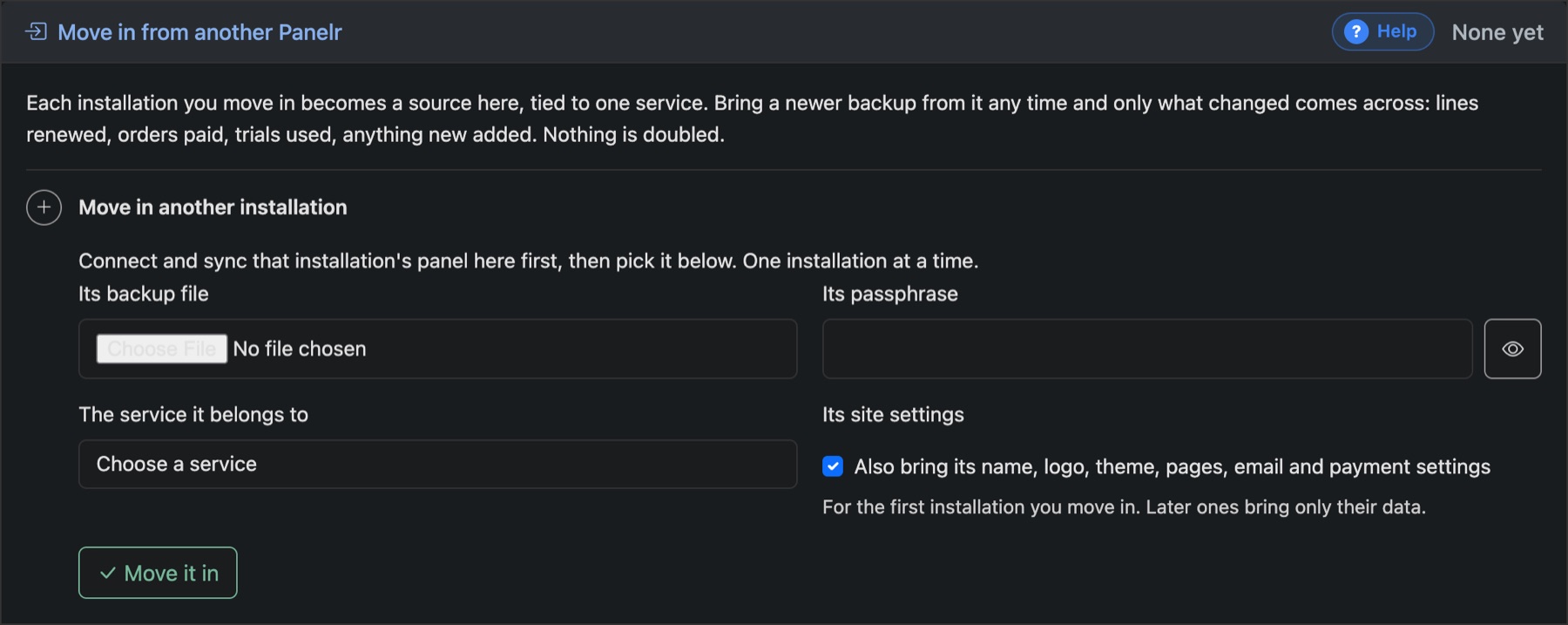
- Go to Settings → Backup & Updates → Backup and open Move in another installation.
- Choose its backup file, type its passphrase, and pick the service it belongs to.
- For the first one only, tick Also bring its name, logo, theme, pages, email and payment settings.
- Press Move it in. A report shows what came across and what was matched.
Customers, lines, orders and trials come across. Plans and bouquets are matched to the ones the service already has, so nothing is doubled. Someone who already has an account here keeps their password.
Keep both running, then catch up
Each installation you move in is listed as a source. The old site can keep selling while you set up. Move in a newer backup from it any time and only what changed comes across.