
Setting up the Telegram bot takes a couple of minutes.
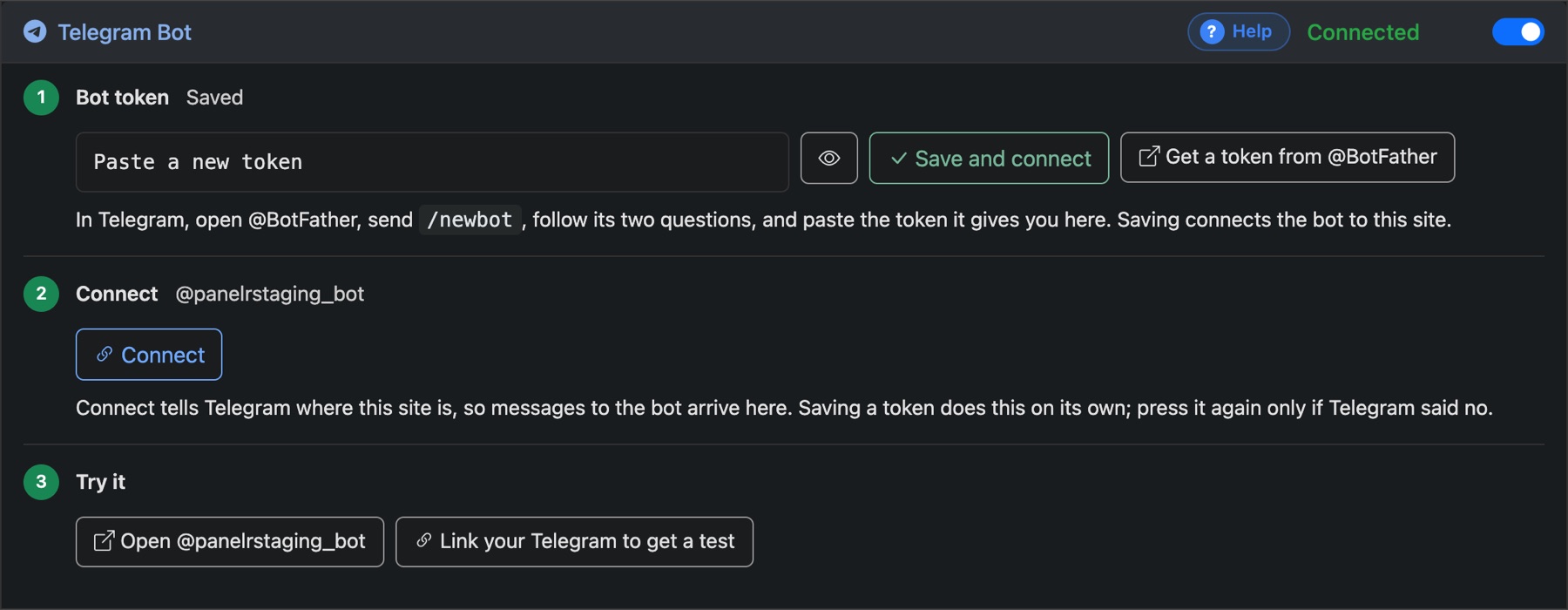
- In Telegram, open @BotFather, send
/newbotand answer its two questions. It gives you a token. - In Panelr, go to Settings → Bots → Connect, paste the token under Telegram Bot and press Save and connect.
- Press Open to try your bot. Send it
/startand it answers with its menu.
Connect tells Telegram where your site is. Saving the token does this for you. Press it again only if Telegram refused.