
Each panel you sell from is a service in Panelr. Add as many as you run. Adding one never touches the others.
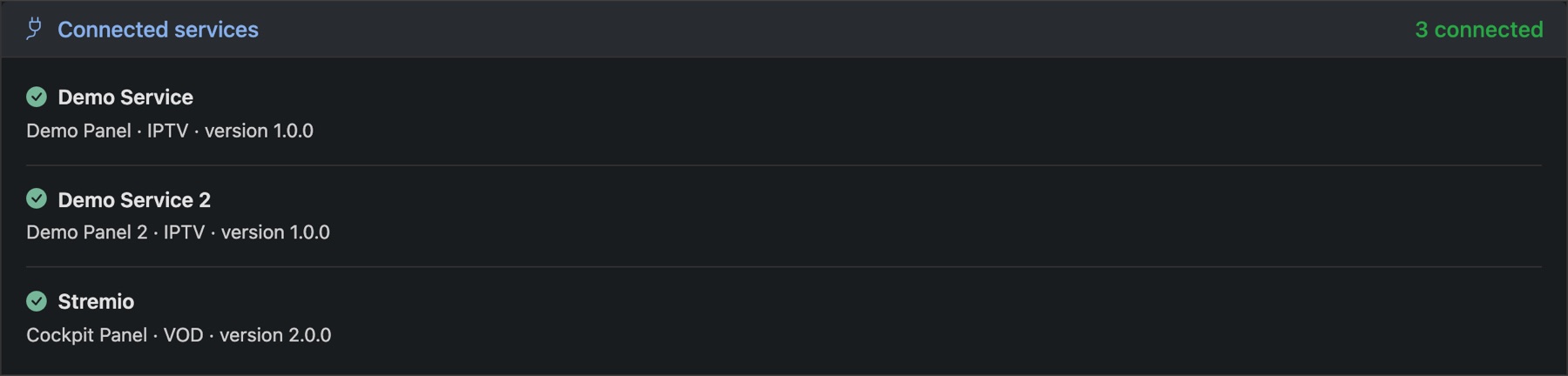
Connect it
- Go to Settings → Panel Plugin and open Add a Service.
- Under Available Plugins, find your panel and press Connect, then Connect again in the window that opens.
- The service gets its own tab. Fill in its Connection section with your panel's API details, and save. Panelr pulls in the panel's plans and bouquets.
- In Identity, give it the Service name customers will see and a Category, such as IPTV or VOD. Press Save.
- Switch on and price the plans you want to sell on Products. See Plans and prices.
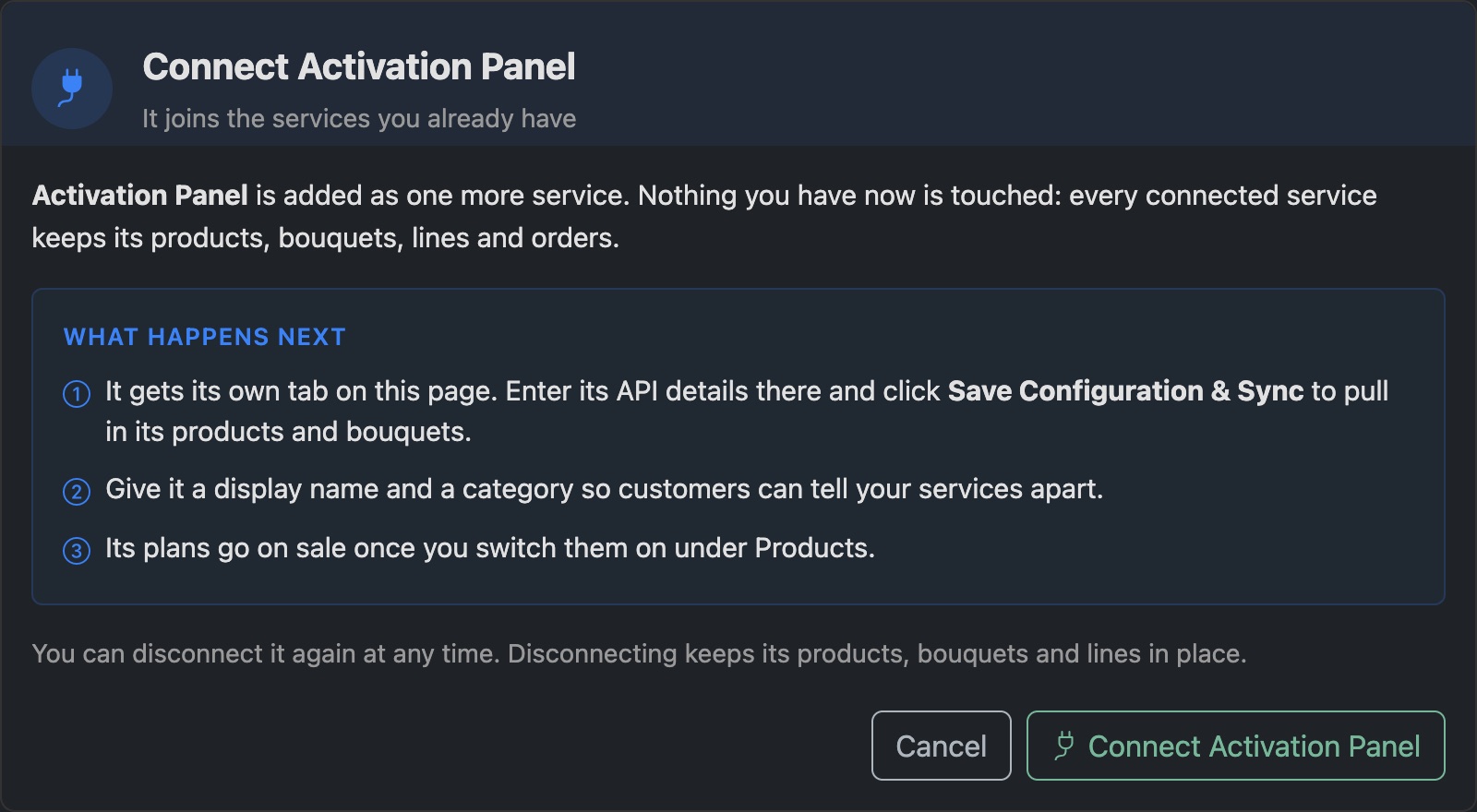
Test Connection checks the details are still accepted. Disconnect takes a service off your store. Its plans, bouquets and lines stay, and you can connect it again later.
Which panels can I connect? See Supported panels.