
A bundle takes money off on its own when one order holds plans on two or more of your services. There's no code to type: checkout, the bots and a connected store all show it as soon as the cart qualifies. Make them on Settings → Bundles.
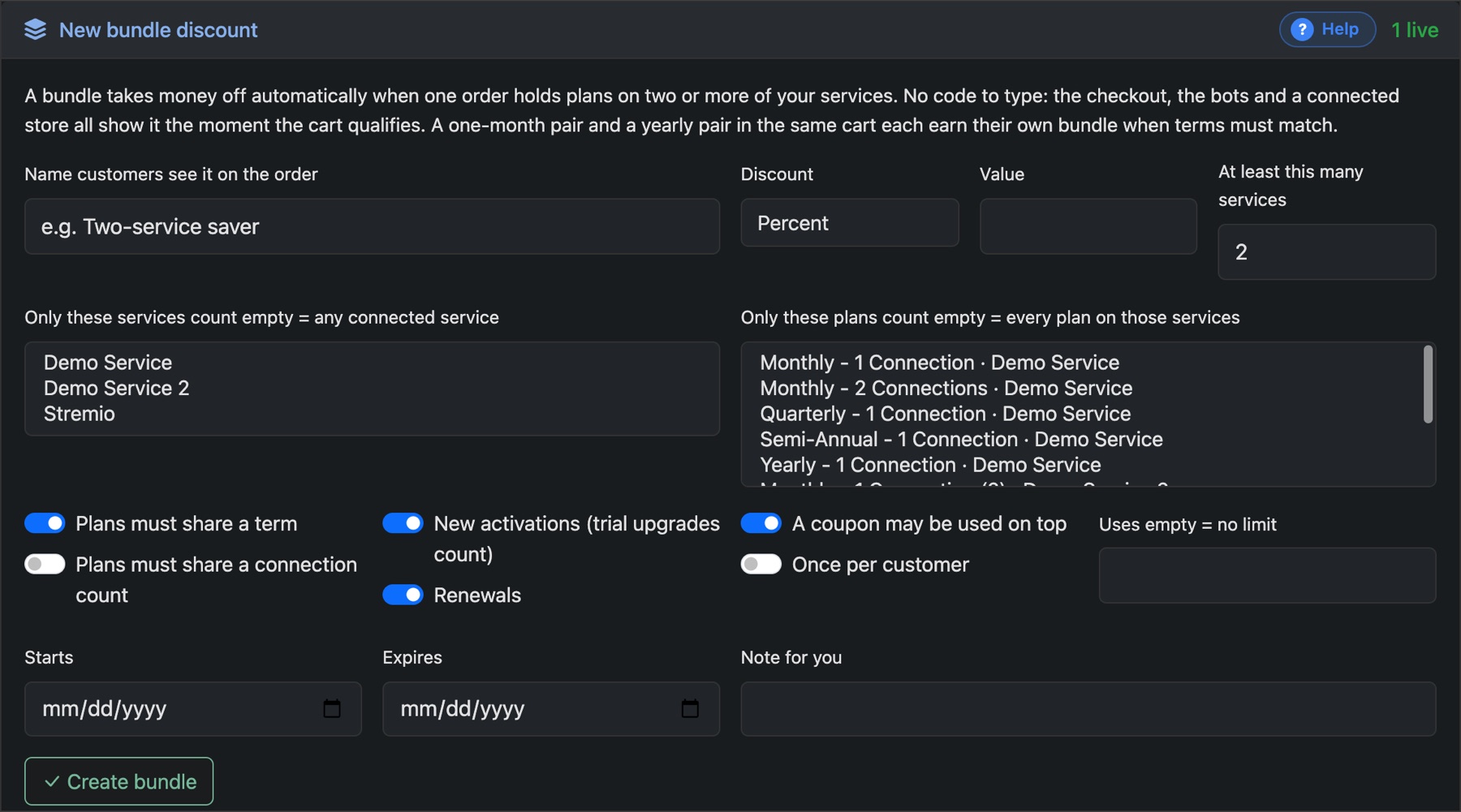
- Give it the Name customers see on the order.
- Choose the Discount and Value.
- Set At least this many services, and optionally which services and plans count.
- Tick Plans must share a term if a monthly and a yearly plan shouldn't pair up.
- Choose whether it applies to new activations, renewals or both, and whether a coupon can be used on top.
- Press Create bundle.
